Boring installs, now on macOS: ovos-installer supports Intel + Apple Silicon

Gaëtan Trellu
OVOS Contributor
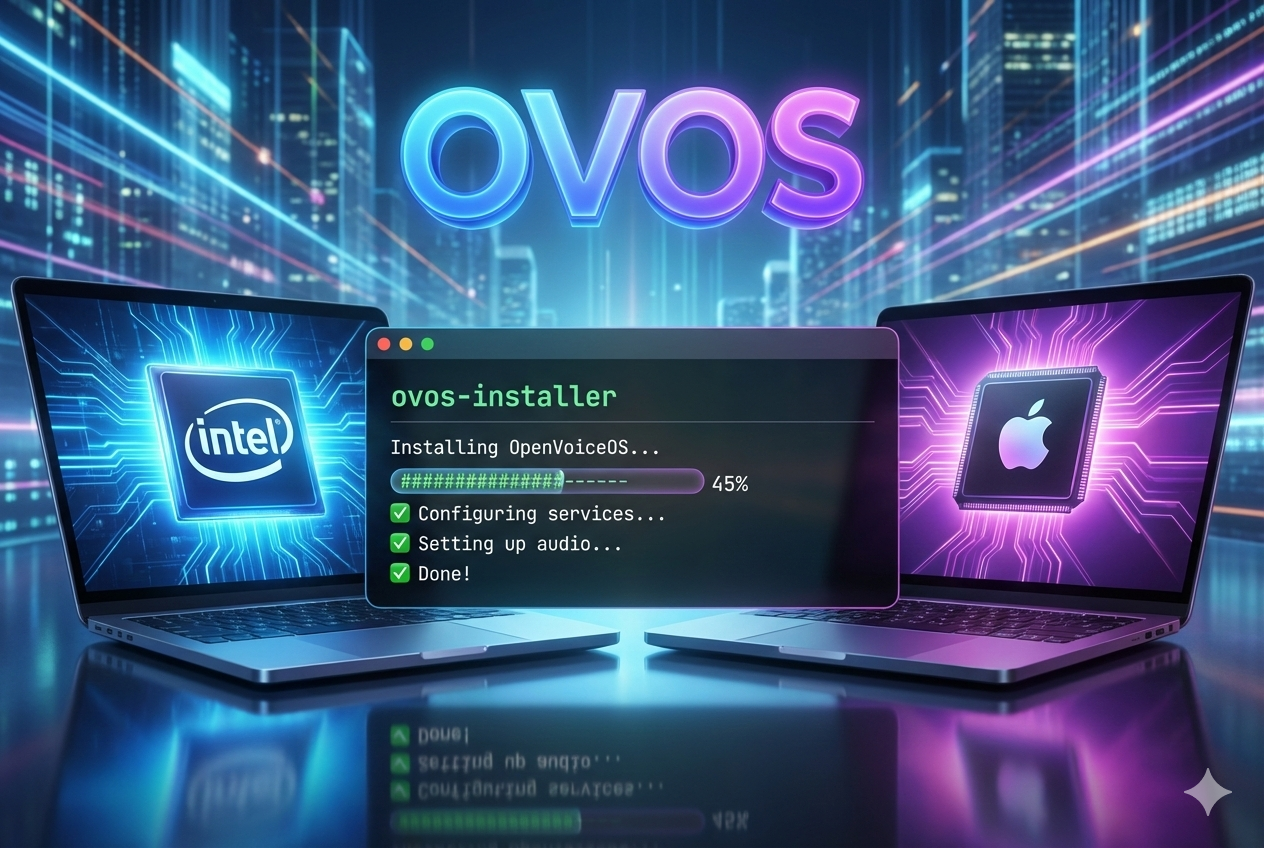
Boring installs, now on macOS (Intel + Apple Silicon)
If you’ve been following OVOS for a while, you already know the pattern:
- The fun part is building a voice assistant that doesn’t rent space in someone else’s cloud.
- The unglamorous part is everything around it: Python versions, services, audio, config drift… and that one dependency that only fails on Tuesdays.
ovos-installer exists to make the unglamorous part uneventful.
And now it does that on macOS, on both Intel and Apple Silicon Macs.
No “weekend-long dependency archaeology”. No “it works until you reboot”. Just boring installs and boring updates — which is the highest compliment I can pay an installer.
What macOS support means (and what it doesn’t… yet)
macOS support is real — and it’s also deliberately scoped so we can keep it stable.
Current macOS support matrix:
- Method:
virtualenv(only) - Channel:
alpha(only) - Service manager:
launchd
That’s not a forever rule. It’s the “ship one reliable path first” rule.
macOS prerequisites (aka: the four boring ingredients)
Before you run the installer, make sure you have:
-
Homebrew installed and available in your
PATH -
Xcode Command Line Tools installed:
xcode-select --install -
Homebrew Bash installed (required by
ovos-installer):brew install bash -
Microphone permission granted to your terminal app
macOS is very polite about letting you install things, then very strict about letting you capture audio.
Go to: System Settings → Privacy & Security → Microphone
and enable your terminal (Terminal, iTerm2, etc.).
Quickstart (copy/paste speed-run)
sudo sh -c "$(curl -fsSL https://raw.githubusercontent.com/OpenVoiceOS/ovos-installer/main/installer.sh)"
If you’re wearing your “operator” hat (recommended), do the boring responsible thing: download the script first, read it, then run it.
Inside the TUI, pick:
- Channel:
alpha - Method:
virtualenv - Profile:
ovos
The installer will provision a supported Python runtime for the virtualenv (default 3.11) using uv, so you don’t have to fight whichever Python your system feels like shipping this week.
launchd service management (without becoming a launchd expert)
macOS uses launchd, so the installer sets you up with a small wrapper that makes service management human-readable.
You’ll get an ovos command you can use like this:
ovos list

ovos status ovos
ovos status ovos-core

ovos restart ovos-core
ovos stop ovos
ovos start ovos-audio
That ovos “meta target” controls the user-level OVOS services managed by launchd.
Boring. Predictable. Exactly what we want.
Microphones on macOS: CoreAudio, minus the drama
Audio is usually where “almost working” goes to die.
To keep this boring on macOS, ovos-microphone-plugin-sounddevice is the recommended path:
it’s built on python-sounddevice (PortAudio) and uses CoreAudio-friendly settings tuned for clean wake word + STT capture.
Install the plugin
If you want the newest macOS/CoreAudio tuning (the one from PR #16), install the pre-release:
pip install --pre ovos-microphone-plugin-sounddevice
Configure it in mycroft.conf
Edit your mycroft.conf (usually ~/.config/mycroft/mycroft.conf) and set the microphone module:
{
  "listener": {
    "microphone": {
      "module": "ovos-microphone-plugin-sounddevice",
      "ovos-microphone-plugin-sounddevice": {
        "device": "Built-in Microphone",
        "latency": "low",
        "multiplier": 1.0,
        "blocksize": 1024,
        "queue_maxsize": 8,

        "use_coreaudio_settings": true,
        "coreaudio_conversion_quality": "max",
        "coreaudio_change_device_parameters": false,
        "coreaudio_fail_if_conversion_required": false,

        "auto_sample_rate_fallback": true,
        "auto_channel_fallback": true,
        "auto_latency_fallback": true
      }
    }
  }
}
Device selection tips (because device names are a lifestyle choice)
- Exact name:
"device": "Built-in Microphone" - Substring match:
"device": "Built-in" - Regex match:
"device": "regex:^MacBook.*Microphone" - Numeric index:
"device": 0 - Default input device: omit
deviceor set"device": "default"
Telemetry: opt-in, install-time only (and yes, macOS is already showing up)
I like privacy by default and feedback by consent.
ovos-installer telemetry is:
- Anonymous
- Opt-in (the installer asks)
- Install-time only (nothing keeps phoning home once the install is done)
It captures things like OS name/version, architecture, Python version, install channel, and which features were enabled — useful for improving the installer and the platform without collecting personal data.
There’s a public dashboard here:
And it already shows macOS users — which is both a good signal and a mild accusation that people have been doing this the hard way. Now we can make it repeatable.
What actually landed (high level)
Two PRs did the heavy lifting:
-
ovos-installer #441
macOS support for Intel + Apple Silicon,launchdservice management, and the “make it behave like the Linux experience” glue. -
ovos-microphone-plugin-sounddevice #16
better CoreAudio tuning, smarter device selection, more runtime controls (latency, blocksize, queue sizing, gain), plus tests to keep it from regressing the moment we touch it again.
Try it on your Mac (and help us make it boring for everyone)
If you’ve got:
- a Mac Mini acting as a tiny server,
- a MacBook you want as an OVOS dev box,
- an Intel Mac you’re not ready to retire,
…this is your excuse to try OVOS on macOS using the real installer path.
If something breaks: open an issue.
If you fix something: open a PR.
If you just test and report: you’re still doing the work that makes this boring later.
Resources
- ovos-installer: https://github.com/OpenVoiceOS/ovos-installer
- PR #441 (macOS support): https://github.com/OpenVoiceOS/ovos-installer/pull/441
- ovos-microphone-plugin-sounddevice: https://github.com/OpenVoiceOS/ovos-microphone-plugin-sounddevice
- PR #16 (CoreAudio improvements): https://github.com/OpenVoiceOS/ovos-microphone-plugin-sounddevice/pull/16
- Telemetry docs: https://github.com/OpenVoiceOS/ovos-installer/blob/main/docs/telemetry.md
- Telemetry dashboard: https://telemetry.smartgic.io/ovos-installer/dashboard/
Help Us Build Voice for Everyone
OpenVoiceOS is more than software, it’s a mission. If you believe voice assistants should be open, inclusive, and user-controlled, here’s how you can help:
- 💸 Donate: Help us fund development, infrastructure, and legal protection.
- 📣 Contribute Open Data: Share voice samples and transcriptions under open licenses.
- 🌍 Translate: Help make OVOS accessible in every language.
We're not building this for profit. We're building it for people. With your support, we can keep voice tech transparent, private, and community-owned.